How can I add my contact information to my school page?
Follow the step by step below to add your contact information on the school page:
1) Access the menu of the school page -> My School

2) Click “Add Page”.

3) The following screen will appear:
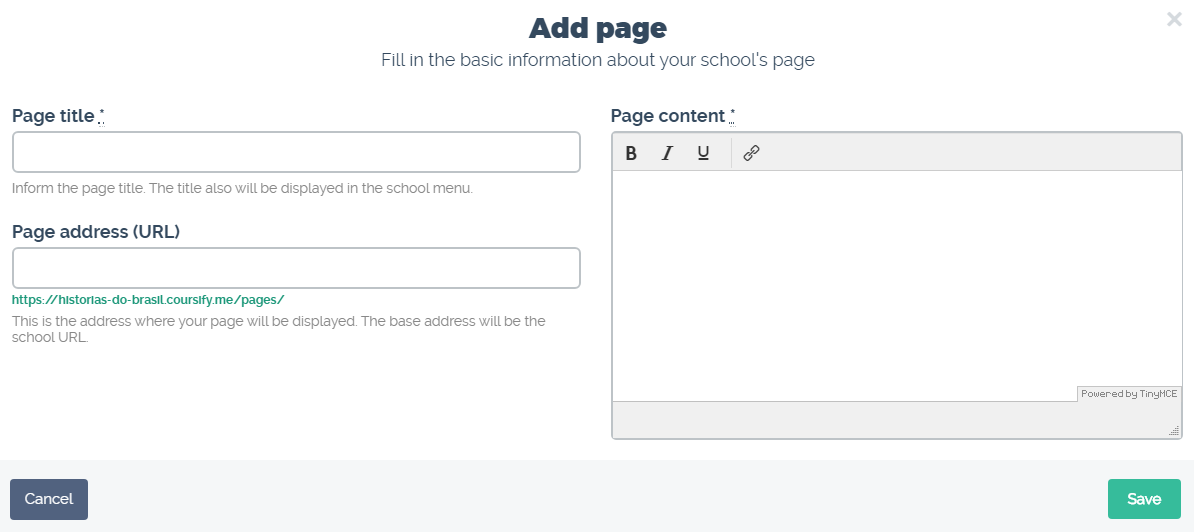
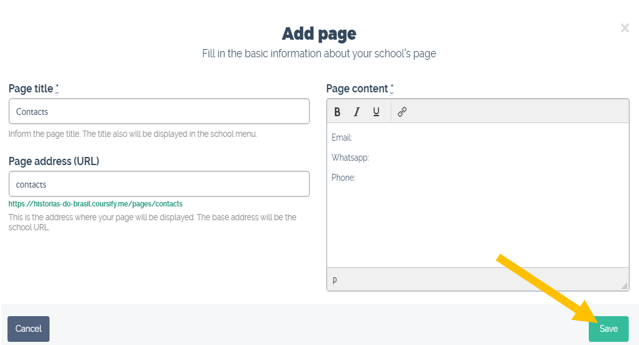
4) Fill in the “Page Title” with “Contacts” or any other expression you want and in the “Page Content” fill in your contact information such as: email, WhatsApp, phone number, among others.
5) After that, select “Save”.
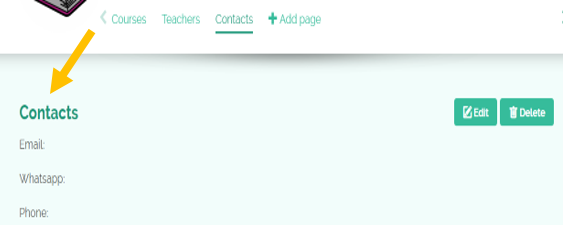
6) Your information will be available on the “Contacts” page of your School:
We hope this article helped you create your online course at Coursify.me.
Click here to create your free account on Coursify.me.
Articles in this section